
Author: Matt Medel

  • Tips for Effective Campaign Signs

    Whether you’re running for mayor or class president a good campaign sign is always going to be a vital piece of your marketing strategy.

    The first thing you need to remember when designing campaign signs is that most onlookers will fly by your sign and have only seconds to take it in, so keeping things simple is important. Using basic colors such as blue, red, black, or green is effective in capturing the attention of individuals passing by without overwhelming them. Think about how well the ‘Vote for Pedro’ signs worked; it doesn’t take glitter and ribbons to capture a voter’s attention.  Using standard colors like red and blue can also help clear up what side of the political spectrum you represent such as red for republican and blue for democrat.

    Besides a good design the quality of your sign is also important to consider.  Good quality campaign signs are often made of corrugated plastic with a vinyl over lay for the design.  It’s spring time and you know that means frequent rain showers.   Corrugated plastic is able to withstand any punch Mother Nature can swing.

    Another aspect to consider is the placement of your campaign signs. Running for any office means you want to be known and seen.  While you’re out shaking hands and kissing babies, your campaign signs should be doing their part too.  It’s wise to map out your voting area so you can strategically place your signs along possible voter’s routes.

    Campaigning can be stressful but effectively marketing yourself with campaign signs can make all the difference, Super Cheap Signs knows campaign signs, so reach out for more information.

  • State Regulations for Signage

    Please ensure that you follow local and state guidelines for signage! I have listed each state below. Clicking these links will take you to a page that breaks out the states by city. By clicking on your chosen city, you will be presented with that cities codes. Locate the sign ordinance and ensure that you are within the regulations.

    Only post signs within the legal guidelines!Step 1 – Understand the importance of sign ordinances to community beautification efforts. Local conservation groups and community-improvement organizations try to limit the size of signs, preventing them from becoming a distractive nuisance.

    Step 2 – Speak with your city council about regulations restricting the use of signs attached to your buildings. Each community has ordinances that regulate the size, placement and content of signs that may be unique from other communities. In order to obey local laws, you should approach the city council with any unusual signage requests.

    Step 3 – Consult with your state’s highway department about billboards and logos placed on highway exit signs. While private property owners can place any advertisement they want on a billboard, most highway departments help regulate the size of billboards to avoid distractions to drivers. Highway department officials can also help you re-size your logo to meet exit-sign standards and promote your business effectively.

    Step 4 – Make sure you obey signage ordinances that regulate the placement of private business or campaign signs adjacent to public signs. Your signs cannot block those indicating street names, speed limits and traffic warnings because of public safety concerns.

    Step 5 – Avoid violation of city laws that govern the color and design of business signs. While some communities allow business owners freedom to choose their design aesthetics, most cities prohibit bright colors or flashing lights to avoid traffic issues. Likewise, city councils will often prevent business owners from creating signage that is lewd or inappropriate for children.

    Step 6 – Learn about the National Scenic Byways Program. Featured on Byways.org, it is devoted to protecting highways and waterways from over development, including excessive signage.

    State Ordinances:

    Texas
    Washington
    Oregon
    California
    Idaho
    Nevada

    Arizona
    Utah
    Wyoming
    Montana
    Colorado
    New Mexico
    Oklahoma
    Kansas
    Nebraska
    S Dakota
    N Dakota
    Minnesota
    Iowa
    Missouri
    Arkansas
    Louisiana
    Wisconsin
    Illinois
    Tennessee
    Mississippi
    Indiana
    Alabama
    Kentucky
    Michigan
    Ohio
    West Virginia
    Virginia
    N Carolina
    S Carolina
    Georgia
    Florida
    Pennsylvania
    Maryland
    Delaware
    New Jersey
    Connecticut
    New York
    Massachusetts
    Rhode Island
    Vermont
    New Hampshire
    Maine
    Hawaii
    Alaska

    If you have information pertaining to any of these ordinances (changes that are not listed, etc.), please email me!

  • Vector vs Bitmap

    Vector-vs-bitmap

    Table of Contents

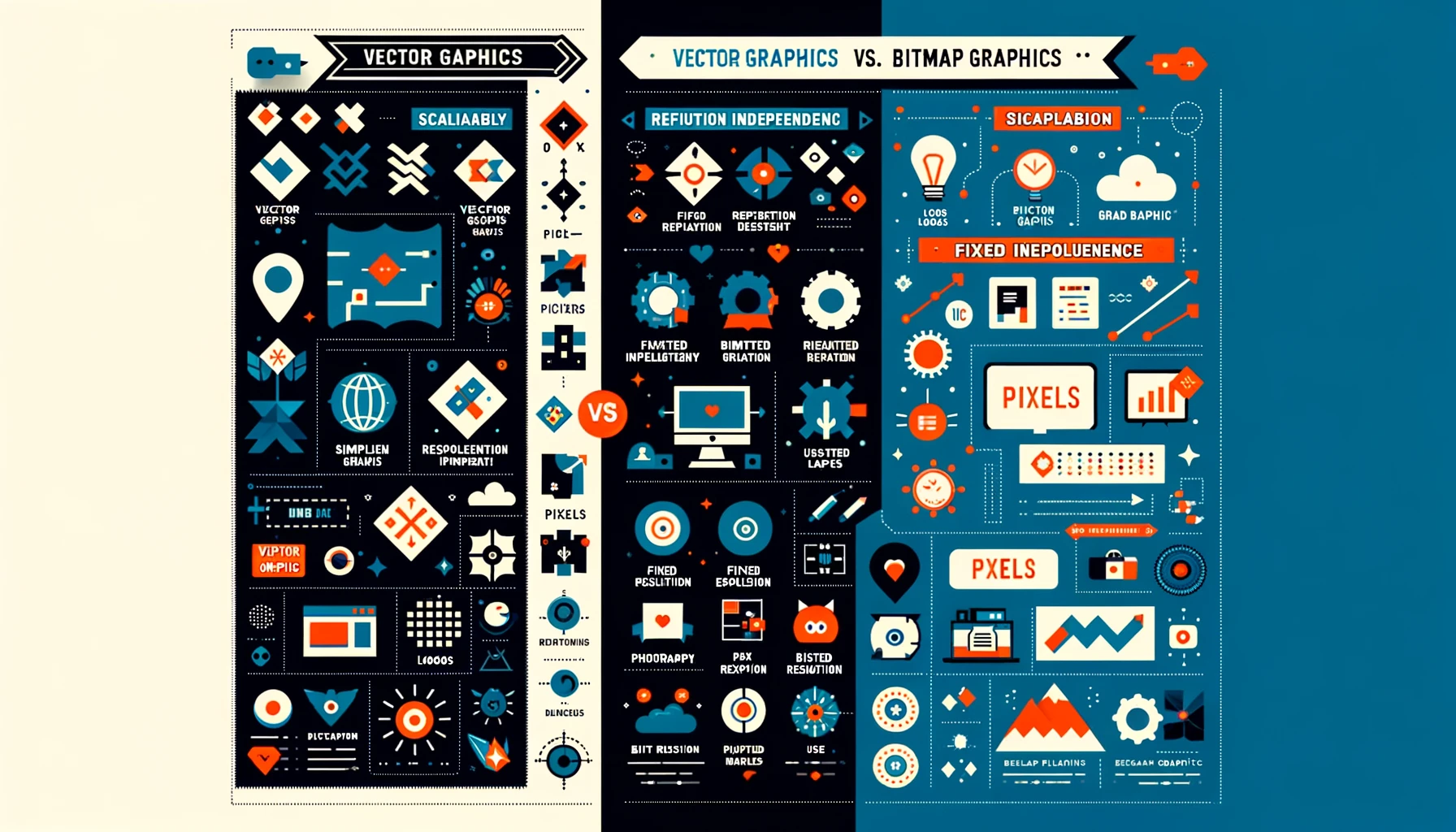
    In the realm of digital design, especially when crafting visually compelling signs with images or logos, the choice between vector and bitmap (or raster) graphics is crucial. These two foundational types of 2D graphics serve distinct purposes and are essential tools in a designer’s arsenal.

    Bitmap (Raster) Graphics: Pixel-Perfect Detail

    Bitmap graphics are digital images composed of a matrix of pixels, where each pixel holds data for its specific color. This pixel-based structure means bitmap images have a set resolution and lose clarity when scaled beyond their original size. Commonly encountered bitmap formats include JPEG, PNG, GIF, and TIFF, each with its own use-case scenarios, from web images to high-quality print documents.

    • Key Traits of Bitmap Images:
      • Pixel-based composition
      • Fixed resolution, making resizing a challenge without quality loss
      • Versatile in usage, but restricted to rectangular shapes
      • Limited transparency support, depending on the format

    Bitmap images are ideal for detailed, complex imagery like photographs, where capturing nuance is key. However, their dependency on resolution and difficulty in resizing without quality degradation can be limiting in dynamic design scenarios.

    Vector Graphics: Scalability Meets Precision

    Vector graphics, in contrast, are not defined by pixels but by paths based on mathematical equations. These paths outline shapes, colors, and fills, making vectors infinitely scalable without any loss of quality. This resolution independence of vector graphics makes them perfect for logos and sign designs that need to maintain sharpness across various sizes and mediums.

    • Key Traits of Vector Images:
      • Comprised of scalable objects, allowing for flexibility in design
      • Resolution independent, ensuring clarity at any size
      • Ideal for bold, graphic illustrations, logos, and text
      • Supports transparent backgrounds for versatile overlay applications

    Common vector formats include AI (Adobe Illustrator), SVG (Scalable Vector Graphics), and EPS (Encapsulated PostScript), among others. These formats are favored for their adaptability and precision, especially in branding and marketing materials where visual impact is paramount.

    Choosing Between Bitmap and Vector

    The choice between bitmap and vector graphics depends on the project’s needs. Bitmaps are unbeatable for intricate, photo-realistic images, while vectors offer unmatched scalability and simplicity for graphic designs. Understanding the strengths and limitations of each can significantly impact the effectiveness of your visual communication.

    For detailed guidance on file formats supported and how to best prepare your designs for production, exploring further resources or consulting with design professionals is recommended. Embracing the right graphic type not only ensures your designs are visually stunning but also optimizes your workflow for efficiency and impact.